
- This is a Academic Project created for educational purposes only.
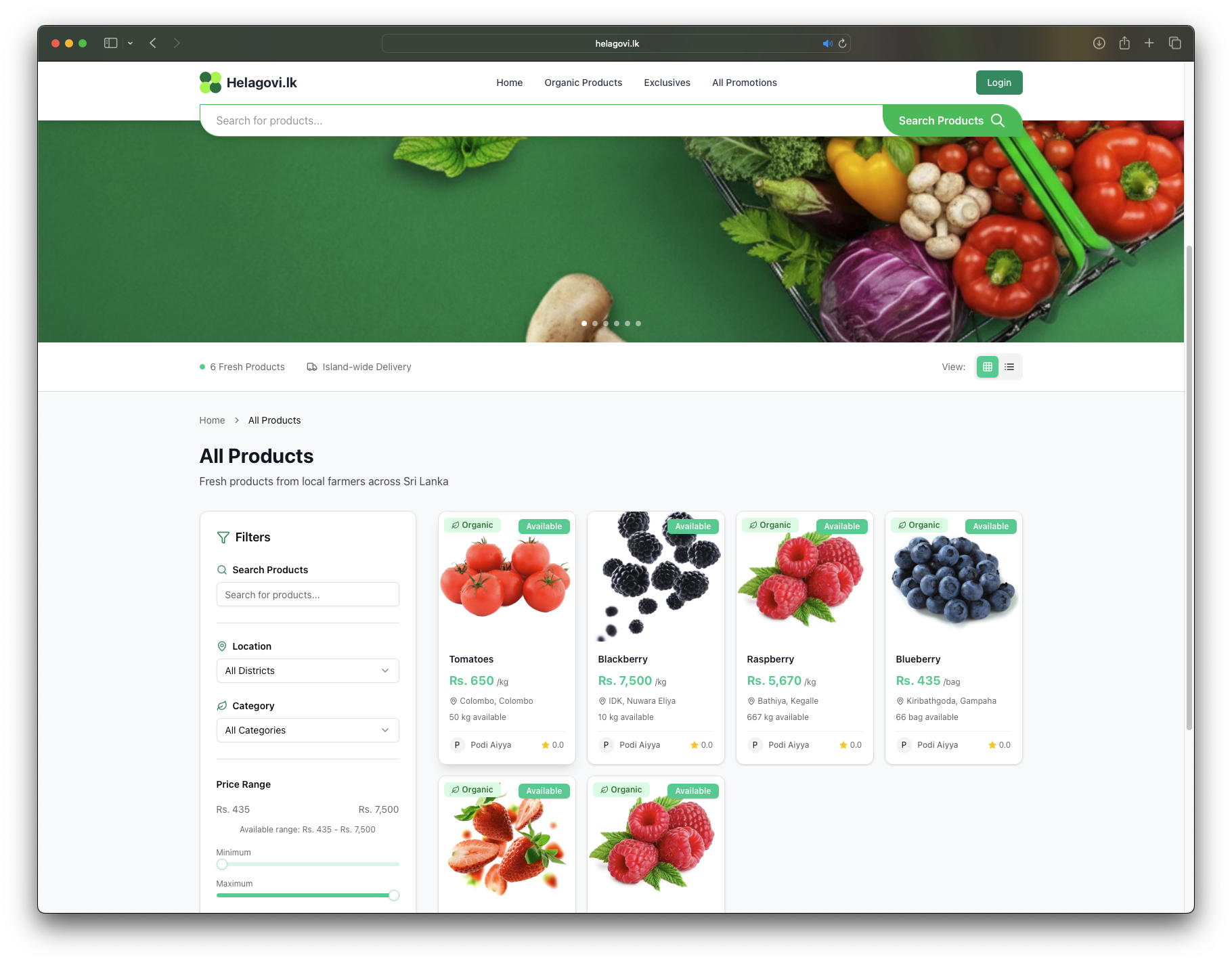
- The name Helagovi is inspired by the Sinhala word Hela (meaning Ceylon).
- It was chosen out of admiration for local digital innovations.
- It is used here in a purely academic context, with no commercial intent.


- Node.js
- MongoDB Atlas account
- Cloudinary account
- Upstash Redis account (optional)
- PayHere merchant account
git clone https://github.com/leshakamadara/helagovi.lk.git
cd helagovi.lkCreate a .env file in the backend folder with the following variables:
# Server Configuration
PORT=5001
NODE_ENV=development

# Database
MONGO_URI=YOUR_MONGO_URI

# Authentication
JWT_SECRET=YOUR_JWT_SECRET
JWT_EXPIRE=12h

# Cloudinary Configuration
CLOUDINARY_CLOUD_NAME=YOUR_CLOUD_NAME
CLOUDINARY_API_KEY=YOUR_CLOUD_API_KEY
CLOUDINARY_API_SECRET=YOUR_CLOUD_API_SECRET

# Redis Cache (Upstash)
UPSTASH_REDIS_REST_URL=YOUR_REDIS_REST_URL
UPSTASH_REDIS_REST_TOKEN=YOUR_REDIS_REST_TOKEN

# PayHere Payment Gateway
PAYHERE_MERCHANT_ID=YOUR_PAYHERE_MERCHANT_ID
PAYHERE_MERCHANT_SECRET=YOUR_PAYHERE_MERCHANT_SECRET
PAYHERE_APP_ID=YOUR_PAYHERE_APP_ID
PAYHERE_APP_SECRET=YOUR_PAYHERE_APP_SECRET
FORCE_PAYHERE_SANDBOX=true

# Frontend URLs
PUBLIC_URL=https://www.helagovi.lk
FRONTEND_URL=https://www.helagovi.lk
BACKEND_WEBHOOK_URL=https://www.helagovi.lkcd backend
npm install
cd ..cd frontend
npm install
cd ..You can run both backend and frontend simultaneously by opening two terminal windows:
cd backend
npm run devcd frontend
npm run dev- Node.js
- Express.js
- MongoDB Atlas
- Redis (Upstash)
- React.js
- Tailwind CSS/ShadCN
- Cloudinary - Image upload and management
- PayHere - Payment gateway integration
- Upstash Redis - Caching layer (optional)
- MongoDB Atlas for production data storage
- Ensure credentials match production accounts
- Cloudinary for image uploads and optimization
- Configure API keys in environment variables
- Upstash Redis for caching sessions and frequent queries
- Improves application performance
- PayHere integration with sandbox mode support
- Set
FORCE_PAYHERE_SANDBOX=truefor testing - Configure merchant IDs, app secrets, and webhook URLs
- Frontend redirects should match
FRONTEND_URL
For questions or feedback about this academic project, please open an issue in the repository.