
AI-powered tools for load testing workflows, from writing scenarios to converting JMeter and LoadRunner scripts and running tests from your IDE.
Gatling AI Extensions is an MCP server and a collection of skills that bring load testing into your AI-assisted workflows. Write tests faster, edit configuration, convert existing JMeter or LoadRunner scripts automatically, and query your Gatling Enterprise infrastructure, all without leaving your development environment.
Installing the plugin gives you both the skills and the MCP server in one step.
First, configure the marketplace:
/plugin marketplace add gatling/gatling-ai-extensionsThen, install the plugin:
/plugin install gatling@gatling-ai-extensionsOr browse for the plugin via /plugin > Discover. Finally, reload Claude.
The skills are plain-text instruction files that any compatible AI assistant can pick up. The MCP server needs to be configured separately, see the MCP server documentation for setup instructions.
Skills are instruction files for AI coding assistants (Claude, Cursor, and compatible tools). They guide the AI agent to perform specific Gatling tasks accurately, preventing common LLM mistakes like wrong versions, hallucinating APIs, or incorrect protocol mappings.
| Skill | Description |
|---|---|
gatling-bootstrap-project |
Scaffold a new Gatling project in your language and build tool of choice |
gatling-build-tools |
Build, compile, deploy, and run Gatling simulations from your IDE |
gatling-configuration-as-code |
Manage Gatling Enterprise configuration as code |
gatling-convert-from-jmeter |
Convert JMeter test plans (.jmx) to Gatling simulations |
gatling-convert-from-loadrunner |
Convert LoadRunner scripts to Gatling simulations |
gatling-detect-existing-project |
Detect and work with an existing Gatling project in the current directory |
| Server | Description |
|---|---|
gatling |
MCP server for Gatling Enterprise to query teams, packages, simulations, and load generator locations from your IDE or any MCP-compatible client |
Convert your existing LoadRunner scripts to Gatling simulations in minutes without a manual rewrite.

Click on the image to learn how to get started with LoadRunner to Gatling AI Converter
The gatling-convert-from-loadrunner skill reads your exported LoadRunner project, maps every script element and runtime configuration to its Gatling equivalent, and generates a working simulation in your language of choice.
See the LoadRunner converter documentation for the full list of what gets converted, step-by-step usage, and known limitations.
Convert your existing JMeter test plans to Gatling simulations in minutes.

Click on the image to learn how to get started with JMeter to Gatling AI Converter
The gatling-convert-from-jmeter skill scans your project for .jmx files, maps every JMeter element to its Gatling equivalent, and generates a working simulation in your language of choice.
See the JMeter converter documentation for the full list of what gets converted, step-by-step usage, and known limitations.
Query your Gatling Enterprise resources in natural language, without leaving your development environment.
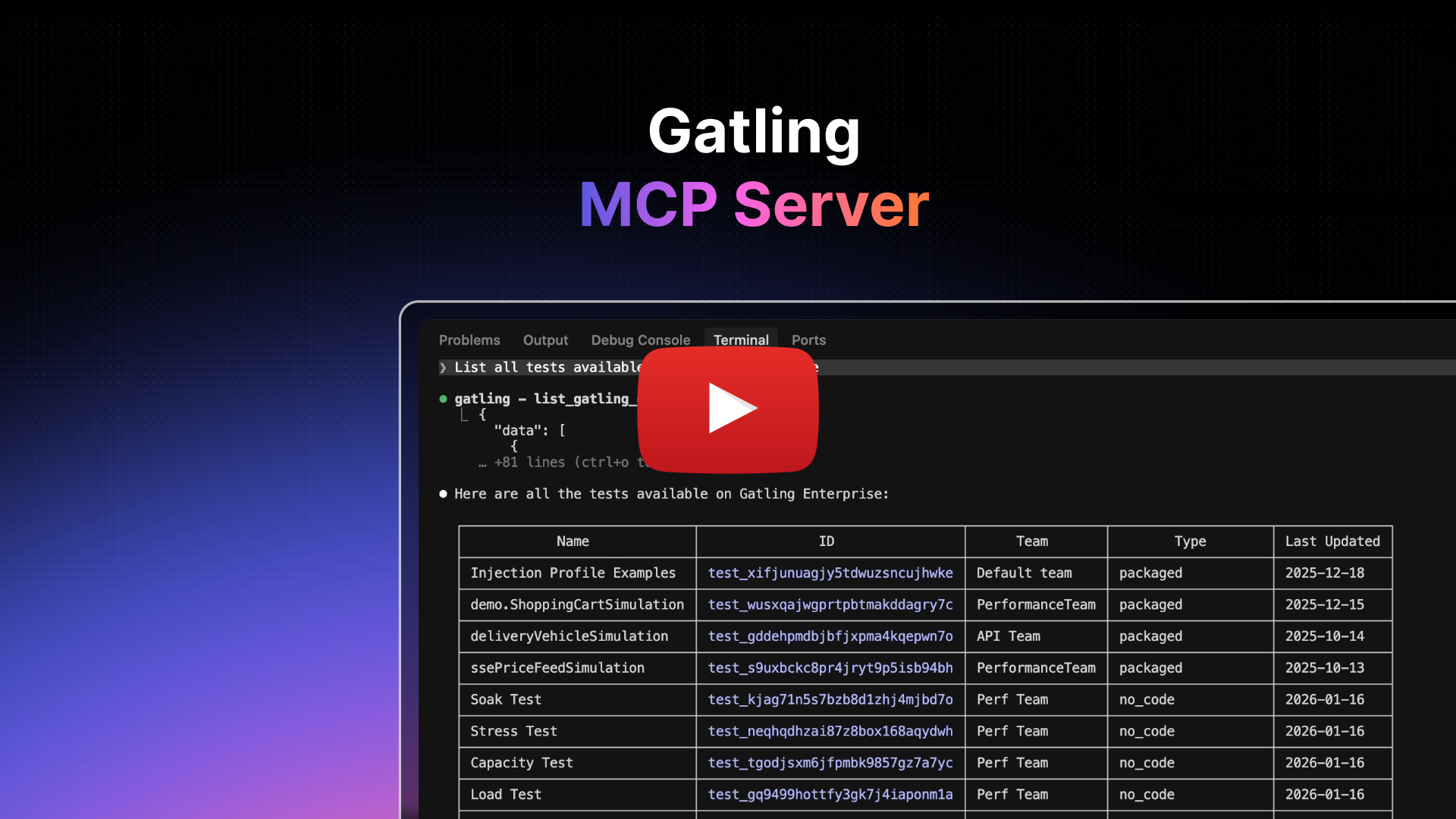
Click on the image to learn how to get started with Gatling MCP Server
The Gatling MCP server connects Gatling Enterprise to any MCP-compatible client: Claude Code, Claude Desktop, Cursor, VS Code, or your own tooling. Once connected, you can query your load testing infrastructure in natural language.
See the MCP server documentation for the full list of available tools, setup instructions, and client-specific configuration.
Skills work as plain-text instruction files. Your AI assistant picks them up automatically when your request matches the skill's intent, or you can invoke them explicitly.
# Automatic: describe what you want
"Convert a JMeter script to Gatling"
"Bootstrap a new Gatling project in Java with Maven"
"Build my Gatling project and deploy it to Gatling Enterprise"
"Generate a package.conf for my simulation"
"Detect the Gatling project in this directory"

# Explicit: reference the skill directly
"Execute the gatling-convert-from-jmeter skill"
Skills are composable. For example, combining gatling-build-tools with gatling-convert-from-jmeter tells the AI to compile the project after each modification, catching errors automatically before you have to run anything manually.
- An AI coding assistant that supports skills (Claude Code, Cursor, or compatible)
- A valid
GATLING_ENTERPRISE_API_TOKENwith at least the Configure role - For the MCP server: a Gatling Enterprise account, an MCP-compatible client, and either Node.js v20+ (for npx) or Docker
- For the JMeter converter: an existing
.jmxfile and a target Gatling project (or let the skill bootstrap one) - For the LoadRunner converter: LoadRunner script files (the standard three-file layout, a directory of
.c/.hfiles, a single combined.cfile, or a VUGen-exported zip) and a target Gatling project (or let the skill bootstrap one) - Supported simulation languages: Java, Kotlin, Scala, TypeScript, and JavaScript
These skills and the MCP server improve with real-world usage, and we need yours.
Tried the JMeter or LoadRunner converter? Tell us what worked, what didn't, and what the output looked like. Open an issue here.
Have a script that didn't convert correctly? Share a minimal excerpt, even a small snippet that failed is valuable. We'll use it to improve the skill and credit your contribution.
Built something with the MCP server or extended a skill? Show us. If it's useful for the community, we'll feature it.
- Gatling AI extensions documentation
- MCP server documentation
- Gatling documentation
- Gatling Community Forum
- Gatling on GitHub
- Try Gatling Enterprise
- Found a bug? Raise an issue
Apache License 2.0