
This extension adds support for the following Modelica and OpenModelica related languages to Visual Studio Code:
- Modelica 3.6
- Base Modelica (Modelica Change Proposal 031)
- Optimica
- MetaModelica
- Susan Templates
- OpenModelica Scripting API
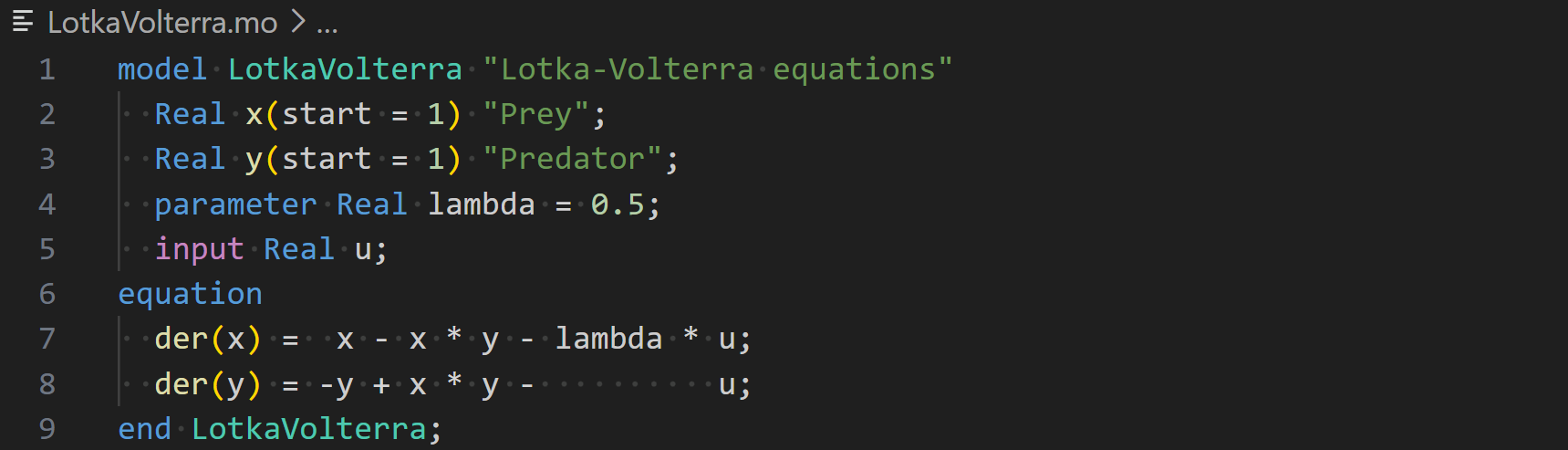
Modelica Language:
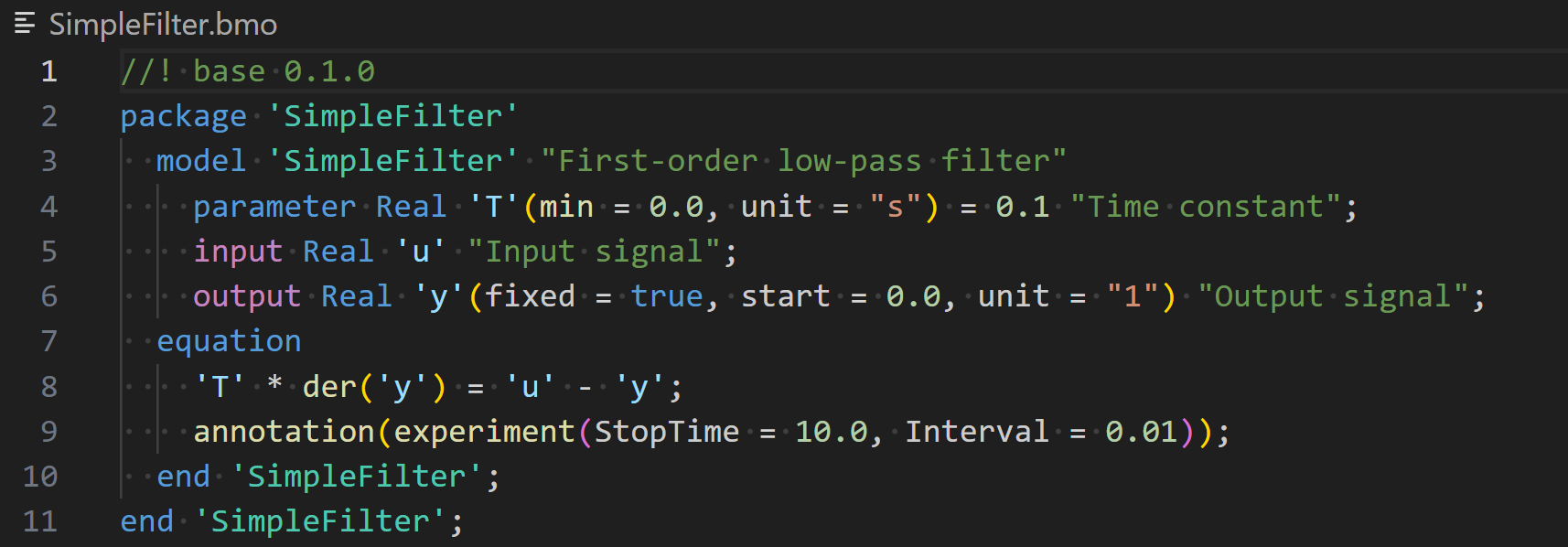
Base Modelica Language:
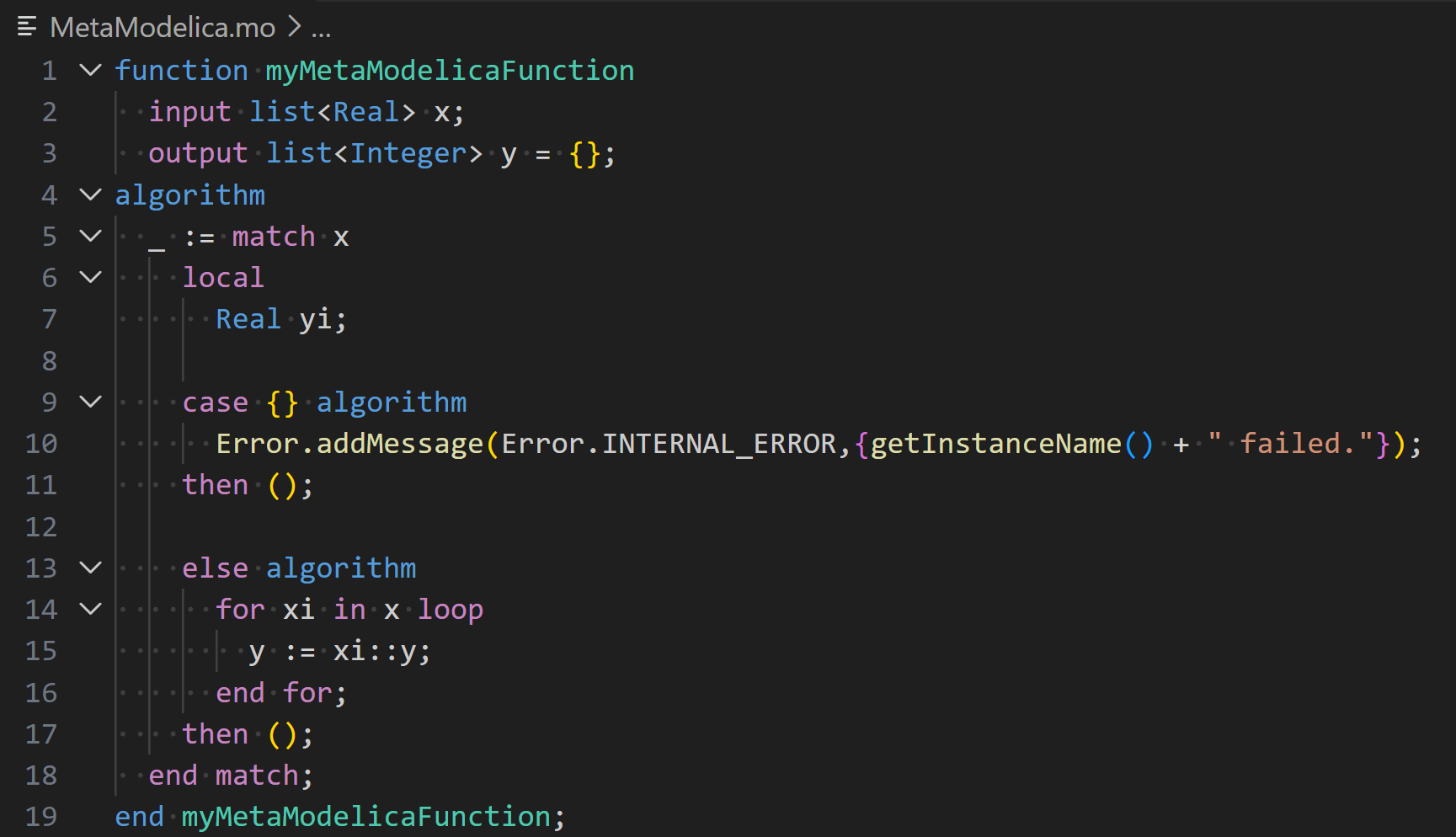
MetaModelica language used by OpenModelica:
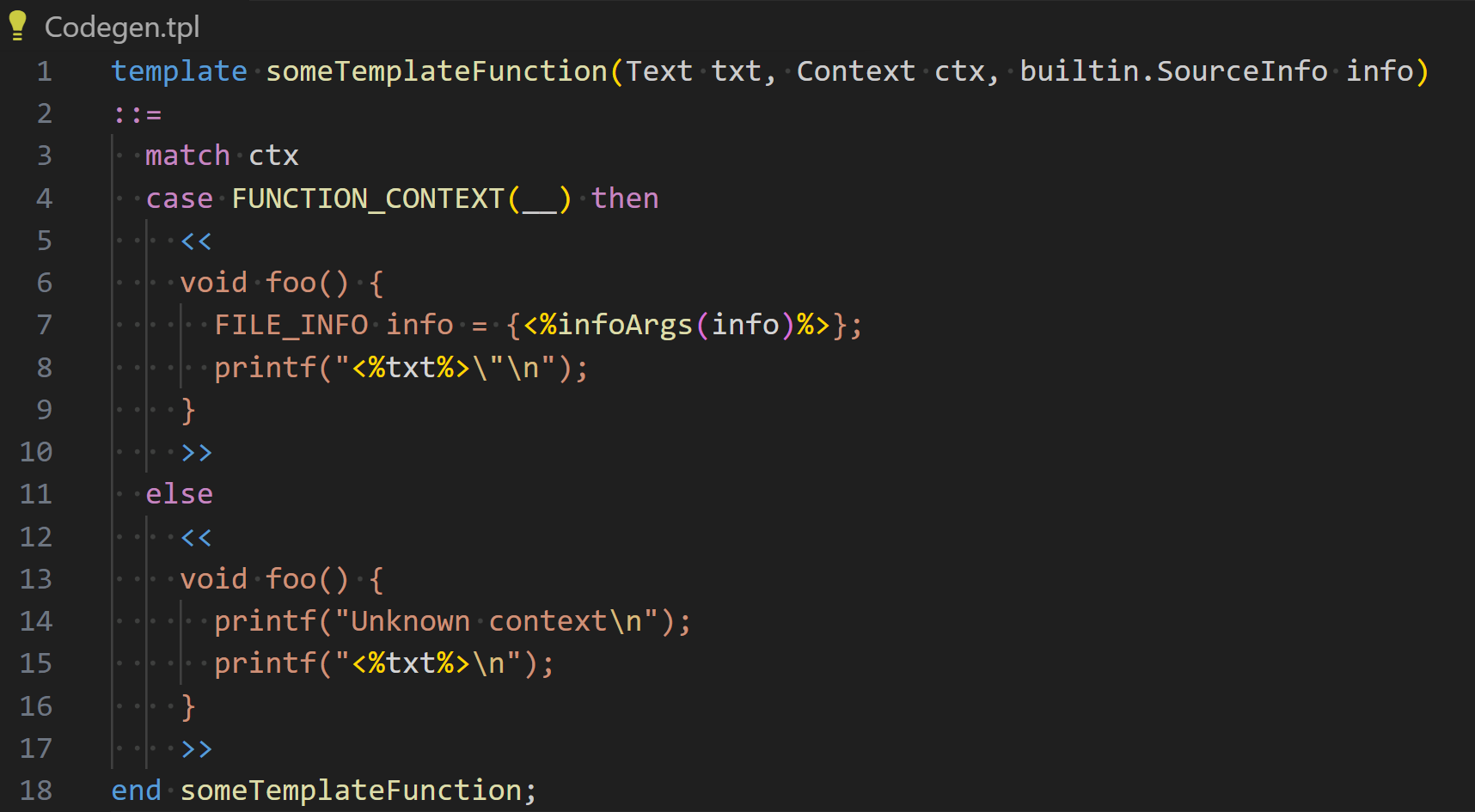
Susan template language used by OpenModelica:
OpenModelica scripting language used by OpenModelica's *.mos files:
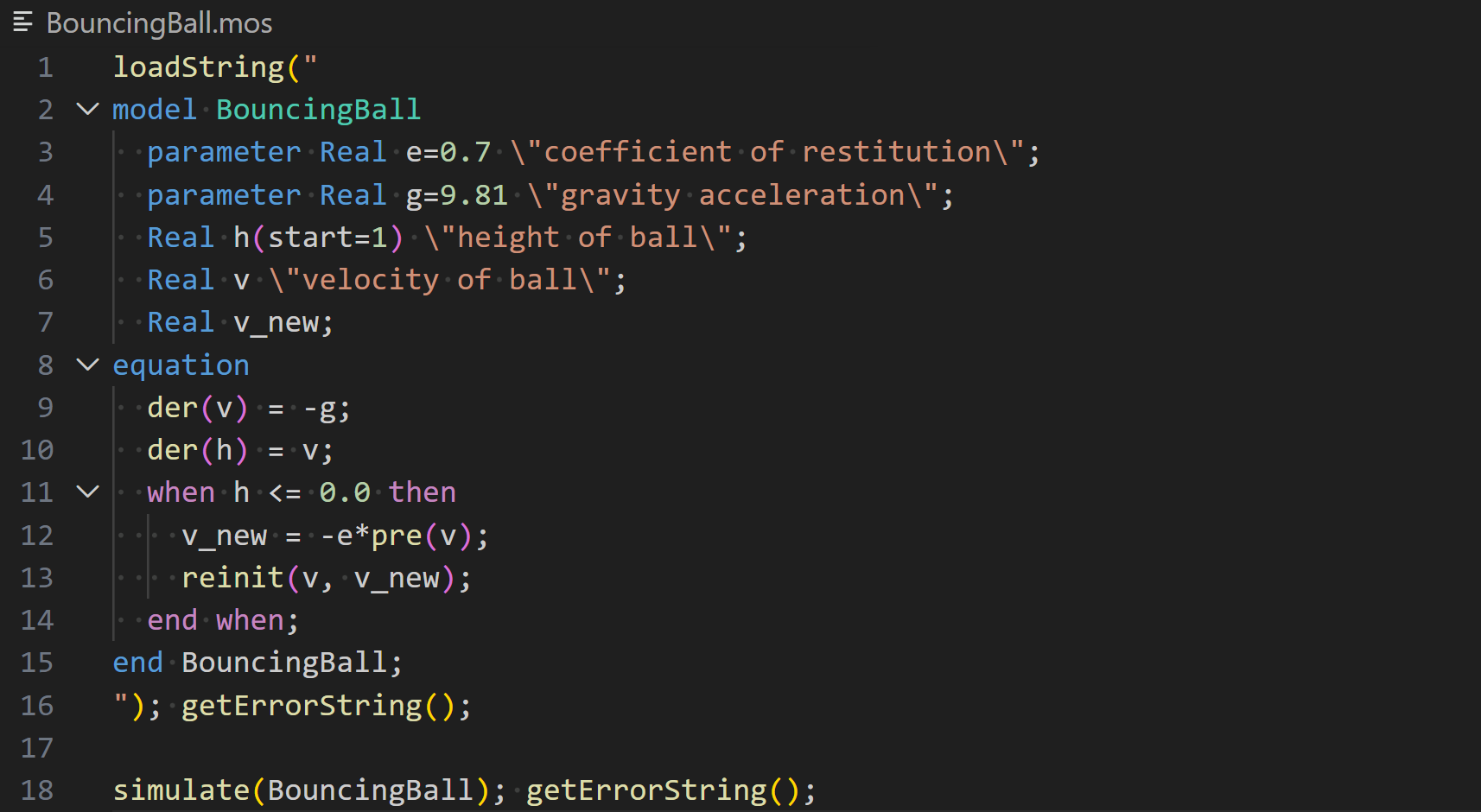
- Download the VS Code extension file.
- Open the command palette using
Ctrl+Shift+PorF1. - Type
extensions: Install from VSIX...in the command palette. - Browse to downloaded *.vsix file.
- On the bottom-right corner, click on the select language mode button, if you have created a new file it should display Plain Text.
- Select MetaModelica or Susan or Modelica in the list of languages.
Alternatively, saving the file with a .mo extension will allow VS Code to
understand that it is a MetaModelica file and automatically select the language.
If it is a Modelica file one has to manually change the language mode to
Modelica. The .mop extension will be associated with the Optimica language
respectively. The .tpl extension will be associated with Susan Template
language. Additional extensions can be connected to the languages in any
settings.json file using the "files.associations" setting.
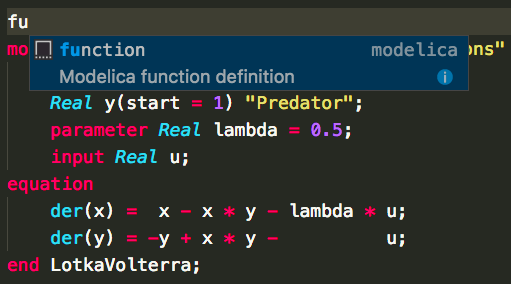
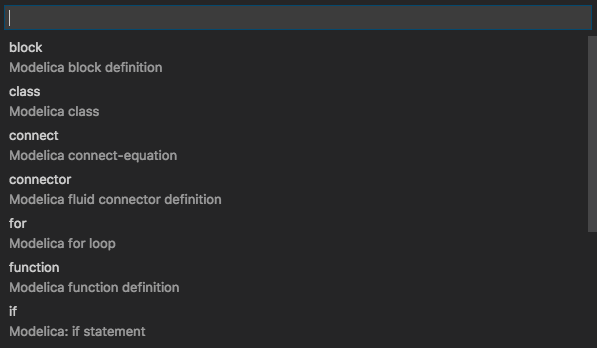
Just start to type and choose a snippet that may be proposed. Alternatively, use
Ctrl+Shift+P to open the command palette and type Insert Snippet to see a
list of all possible snippets to choose from.
There is a dev container available to build and publish the extension. See publishing-extension for more details on the publishing process.
- Node.js
- VSCode
- sh (or translate yaml2json.sh to your shell equivalent)
npm installTranslate the *.tmGrammar.yaml files to *.tmGrammar.json JSON files.
Start build task (Ctrl+Shift+B)
npm run prebuildRun the tmGrammer tests task:
- Open Command Palette (Ctrl+Shift+P)
- Type
tasks: Run task - Choose
tmGrammer tests
or run it manually:
npm run testGenerate .vsix package file:
npm run buildnpx vsce login <publisher name>
npx vsce publishnpx ovsx publish metamodelica-<version>.vsix -p <token>This extension is based on the Modelica extension SimplyDanny/modelica-language-vscode.